














01Focus
Today's short list
Your overdue tasks, contracts and invoices, ranked, with the few that deserve your attention first.
Every morning Vision reads your overdue work, upcoming dates and unsigned contracts and puts the few things that matter first, each with a sentence on why. Paper checklists become updates in one photo.
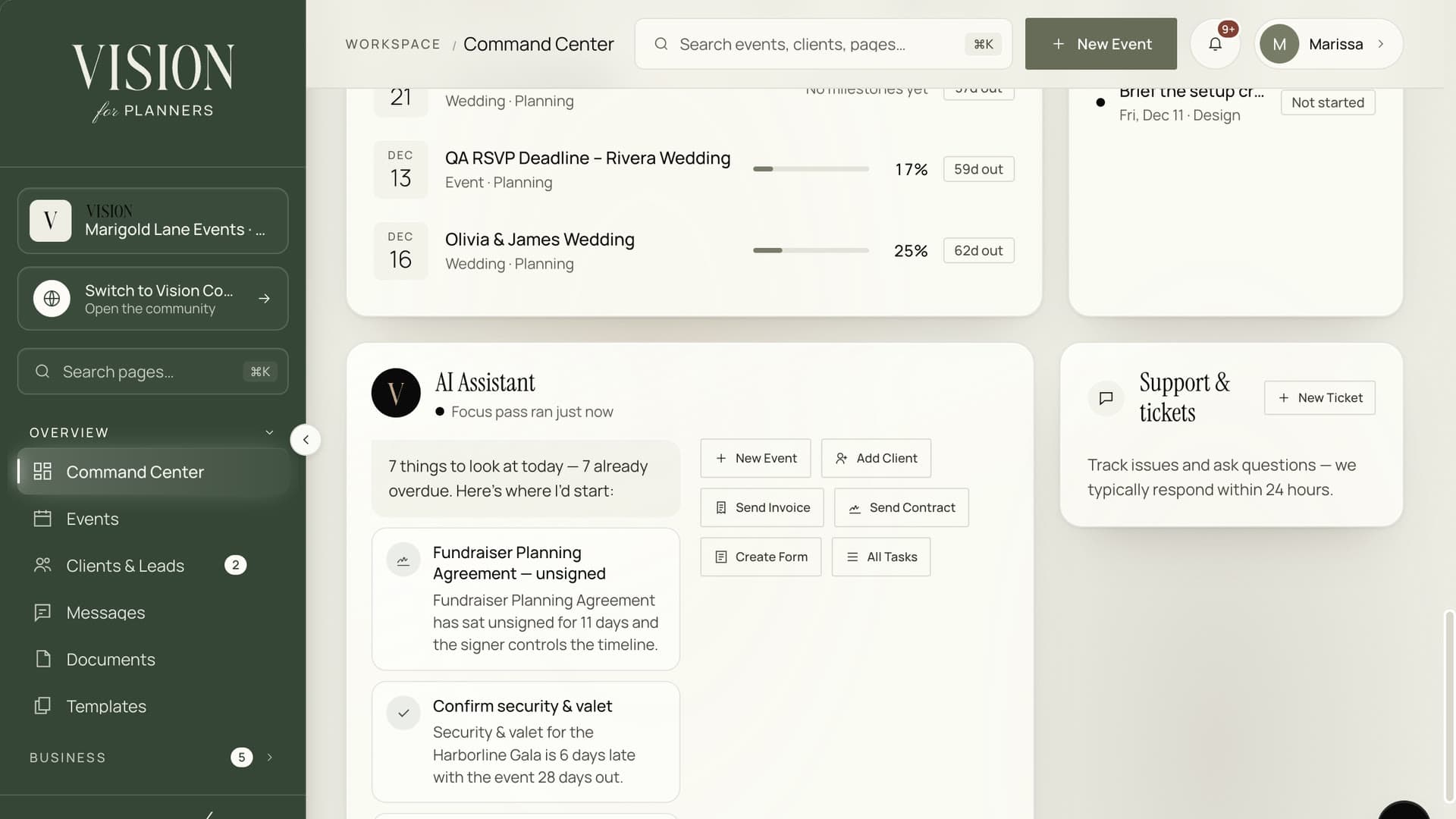
Ask what matters today and get a short list tied to your events.
Thirteen things are late. Only a few of them are urgent.
A task list tells you what exists, not what to do first. Vision helps you choose.
Your overdue tasks, contracts and invoices, ranked, with the few that deserve your attention first.
Each item carries a line on why it matters today, such as a late contract holding up a milestone.
Snap the checklist you worked from on site. Vision reads it and proposes which tasks to tick off.
Scanned changes arrive as proposals. Nothing is closed until you review and confirm it.
The AI picks from your own list, so it can never invent a task or add one that is not there.
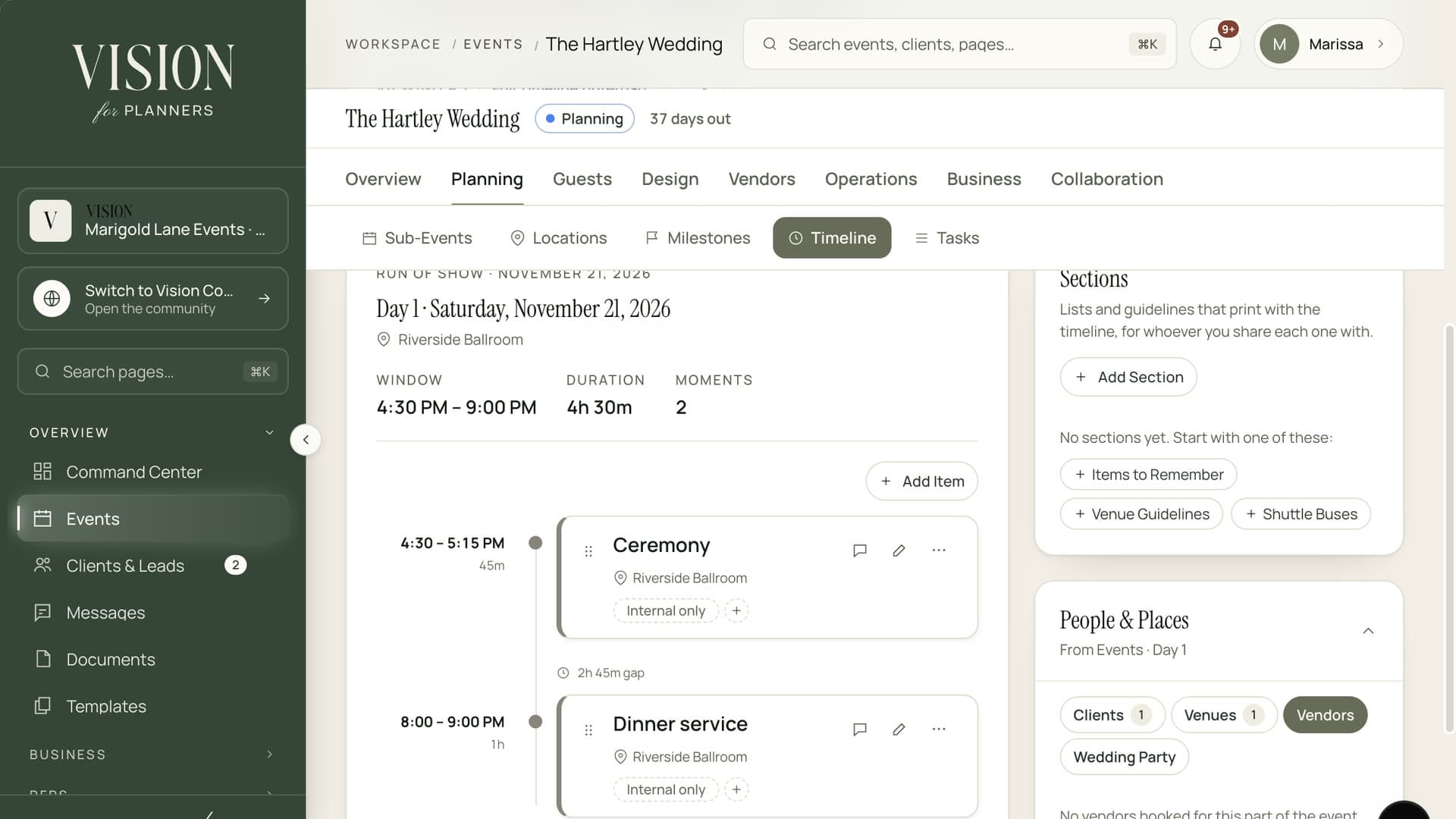
Focus items link back to the event, its timeline and its budget, so a tap takes you to the work.
Unsigned contracts appear beside tasks, so the paperwork is never forgotten.

By the end of a night, the paper is right and the system is stale. Photograph the page and Vision brings the system back in line, with you approving each change.
Your focus list is ready, ranked, with a line on why each item matters.
Tick things off, or open the event behind an item with one click.
Photograph a checklist and confirm the task updates Vision proposes.
No. It only reorders the items it is given and explains them. Scanned changes are proposals that you confirm.
The model reads task wording to rank and explain. Anything unknown it returns is discarded, so a made-up task never reaches your list.
You still get a ranked list from the built-in scoring, just without the written reasons.
AI features draw on your plan's allowance. Check the pricing page for what each plan includes.

The Founding Planner Beta is open. Early access, direct input on what gets built, and pricing locked in before public launch.
Empowering the people behind extraordinary events