






01Build
A form for every moment
Create inquiry forms, planning questionnaires and day-of details with the questions you actually need.
Build a form in minutes, share it by link or send it to a client, and every answer lands on the event instead of in a long email thread.
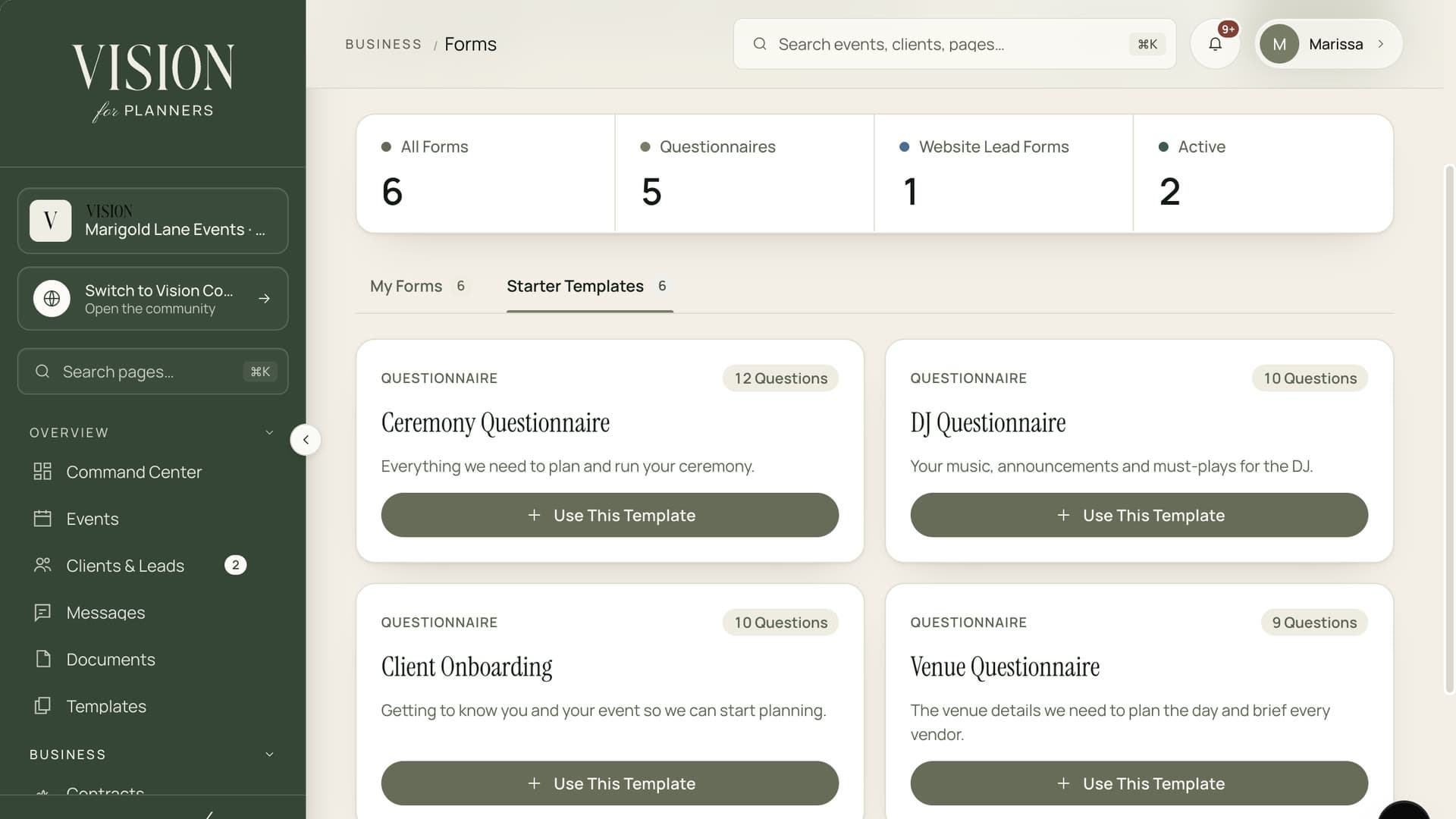
Start from a template, send it, and keep the answers with the client.
The same ten questions, asked of every client, in a new email each time.
Dietary needs, run of show, music choices. Collecting them by hand is slow and the answers scatter.
Create inquiry forms, planning questionnaires and day-of details with the questions you actually need.
Share a public link anywhere, or assign a form to a client and email it straight to them.
Choose a client and a form and send it with one click. They get a clear email and a simple page.
Responses are saved against the event they were sent for, so you find them with the rest of the plan.
Keep your best questionnaires as templates and send them again for the next client.

Clients fill in a clean page on any device, with no login and no attachment to open. Better answers come back faster.
Add the questions you need and name it for the moment it belongs to.
Email it to a client or post the public link on your website.
Responses arrive on the event, ready to use in planning.
No. A form opens from a link, so clients answer without signing in.
Yes. Save a form as a template and send it to the next client with their name on it.
They are saved to the event in your workspace, next to its timeline, budget and tasks.
Yes. Every form has a public link you can share or embed wherever your clients find you.

The Founding Planner Beta is open. Early access, direct input on what gets built, and pricing locked in before public launch.
Empowering the people behind extraordinary events