












01Directory
A network to search
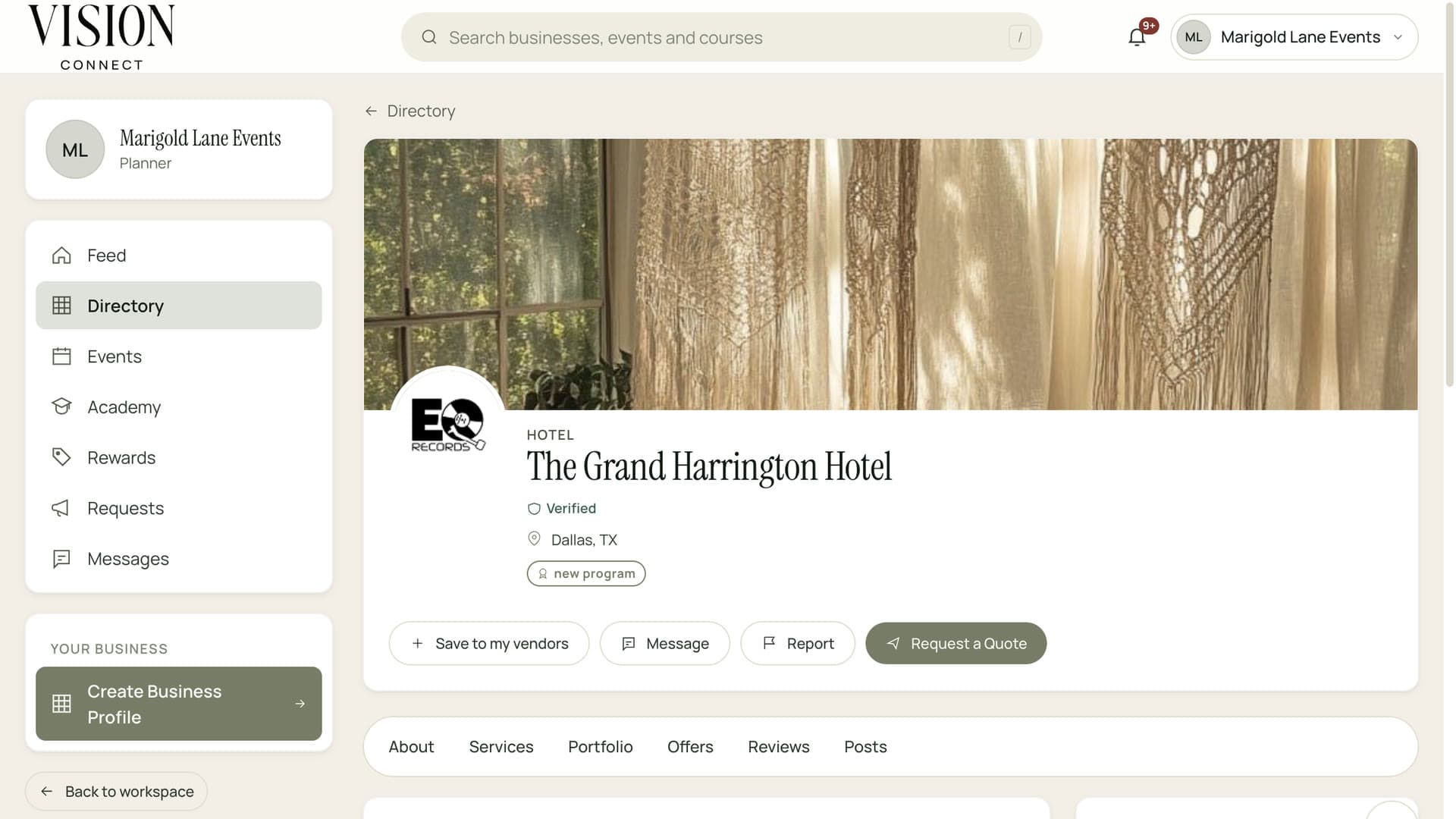
Browse vendors, venues, hotels and rental companies by category and city in Vision Connect, with profiles and reviews.
Find vendors by service and city, keep the ones you trust close and talk to them without leaving the event. Their details, documents and history stay in one place.
Introduce yourself and keep every reply in one inbox.
A vendor is a relationship, not a row in a spreadsheet.

Numbers in your phone, quotes in your inbox, insurance in a drawer. Vision brings them together.
Browse vendors, venues, hotels and rental companies by category and city in Vision Connect, with profiles and reviews.
Save the vendors you trust and keep notes, documents and history with each of them.
Message a vendor from their profile or the event, and keep the whole conversation in your inbox.
Send a text to a vendor from their thread on the day, and keep it on the record.
See which vendors are verified and which have current certifications before you book them.
Ask any vendor for a quote from their profile, or send a full RFP to several at once.
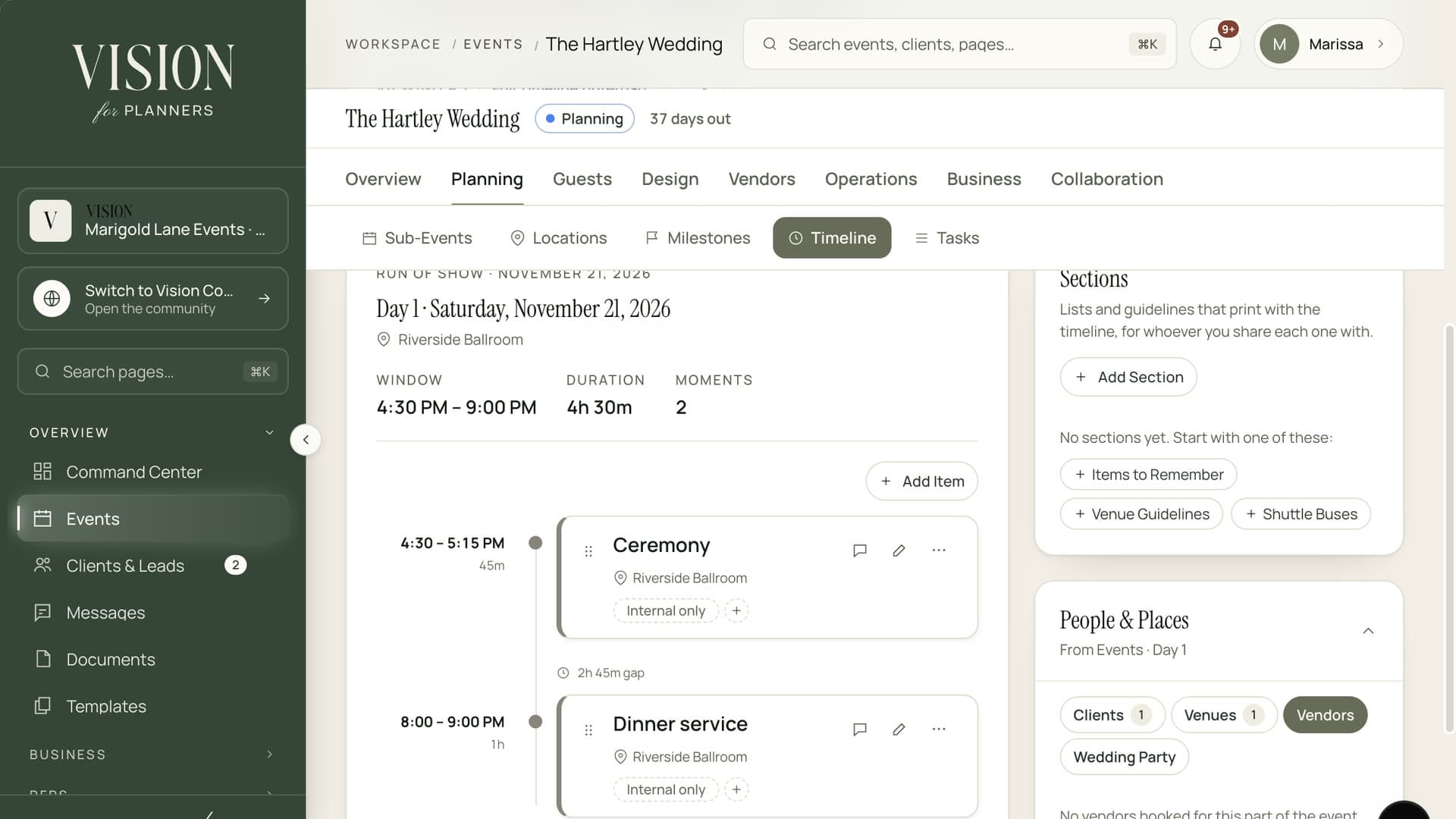
Booked vendors appear on the master timeline with their contact details and arrival window.

Every vendor has their own portal with an RFP inbox, contracts, messages and analytics. You work in yours, they work in theirs, and the details stay in sync.
Filter by service, state and city and open a profile.
Add them to your vendors and start the conversation.
Request one directly, or include them in an RFP.
Award the work and place them on the event timeline.
Vendors can join and build a profile, and plans add more. See the pricing page for what each includes.
Yes. Invite any vendor by email and keep your own notes and documents with them.
Only people in your workspace, according to the role you give them. Vendors never see them.
Yes. A message sent as an SMS is saved in the vendor's thread, so the record stays complete.

The Founding Planner Beta is open. Early access, direct input on what gets built, and pricing locked in before public launch.
Empowering the people behind extraordinary events