










01Brief
A guided brief
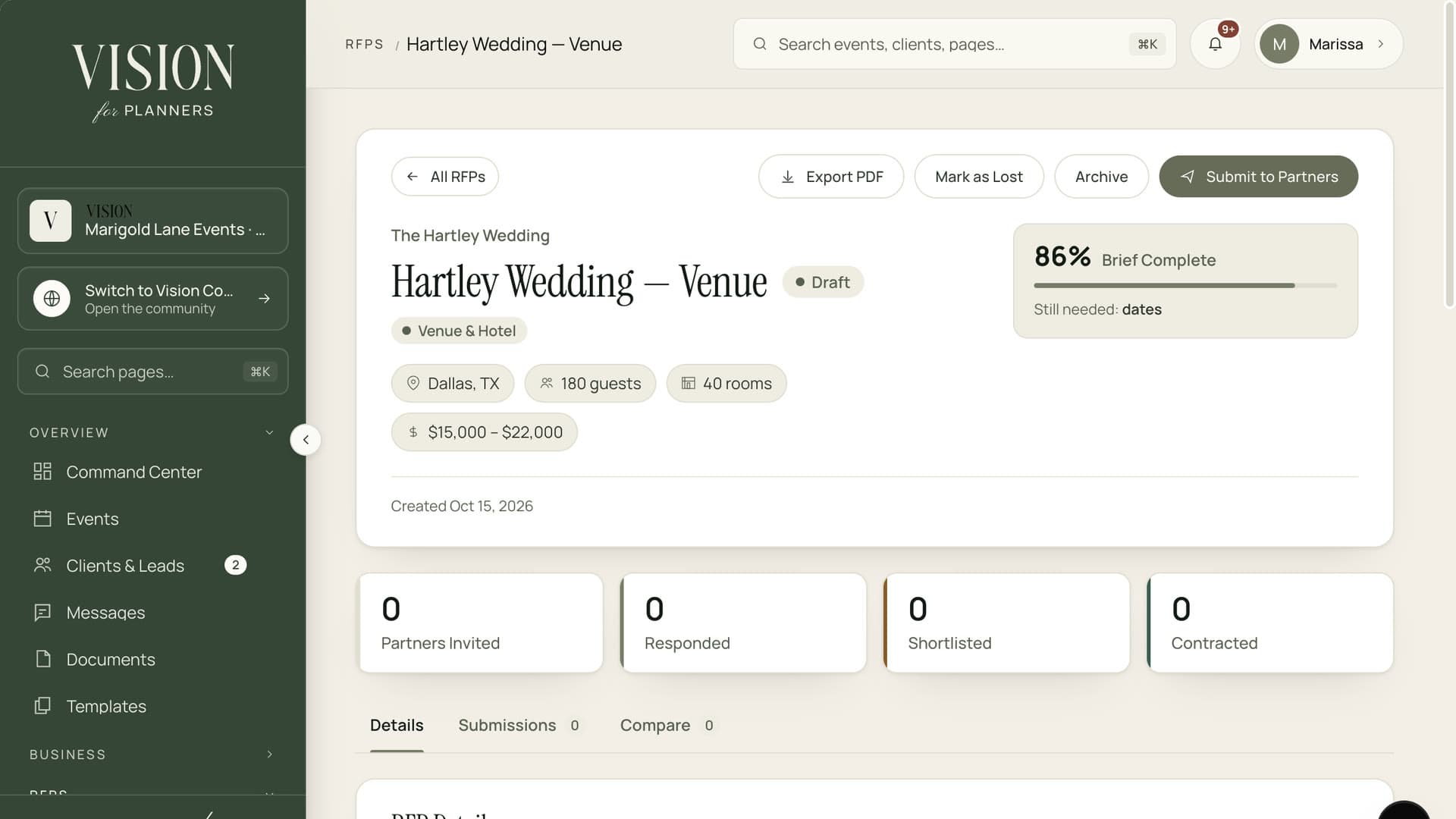
Fill in a form tailored to the vendor type, or upload a document. Dates, guest count, budget range and requirements all in one place.
Write the request once, choose who receives it and watch the responses line up in one place. Shortlist, ask follow-ups and award the work without leaving the event.
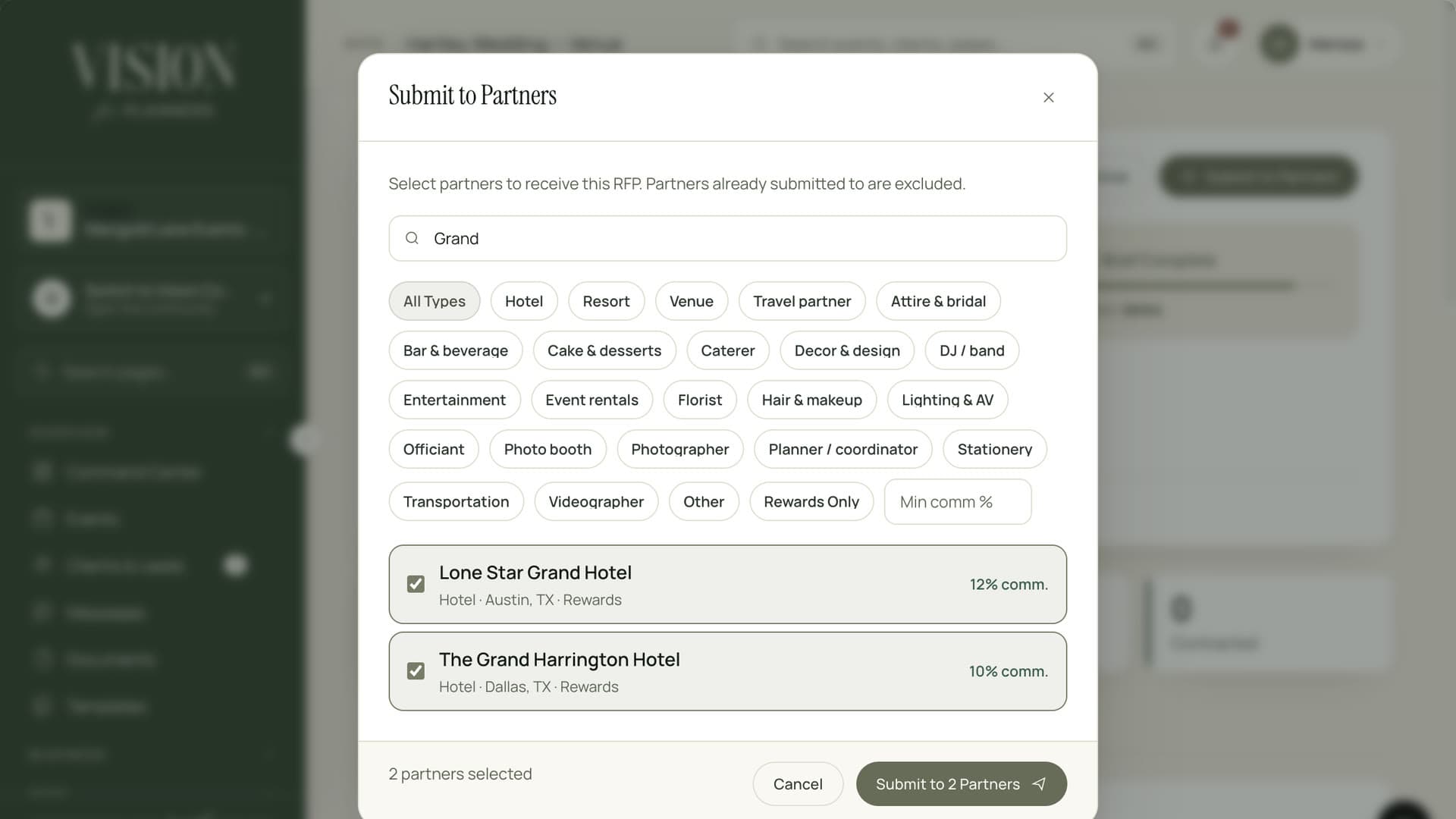
Write one brief, pick your vendors and send it to all of them at once.
Quotes should arrive in the same shape as the question.
PDFs, screenshots and voicemails never compare cleanly. A good brief gets answers you can set side by side.
Fill in a form tailored to the vendor type, or upload a document. Dates, guest count, budget range and requirements all in one place.
Pick hotels, venues and vendors from the directory and send them all the same brief at once.
Add any vendor by email. They get a private link to read the brief and reply, with no account to create.
Every response lines up against the same brief, so the real differences are easy to see.
Mark favorites, keep private notes and award the work, while the other responses stay on file.
Move straight from the chosen quote to a contract, with the numbers carried across.
The winning quote lands in the event budget so planned and actual spend start in agreement.
Booked vendors join the master timeline with their details and arrival windows.

Vendors receive a clear brief and a simple way to reply. Better questions bring better quotes, and faster ones.
Choose the vendor type, add the event details and your requirements.
Select partners from the directory, or invite a vendor by email.
Compare quotes side by side, shortlist and keep notes.
Select the winner and carry the details into the contract, budget and timeline.
No. A vendor invited by email gets a private, time-limited link to read the brief and submit a quote.
Yes. Choose as many partners as you like and each receives the same brief.
Yes. Drafts keep everything you have written until you choose to send.
No. Each response is visible only to you and the people you choose in your workspace.

The Founding Planner Beta is open. Early access, direct input on what gets built, and pricing locked in before public launch.
Empowering the people behind extraordinary events