














Your own vendor book
Keep the people you trust, with their rates, notes, documents and history, all in one searchable place.
- MMaren OkaforFloral design · LisbonVerified
- SStudio HaldenLighting · AustinSave
- IInes DuartePhotography · PortoSave

Request quotes from the vendors you trust, see the answers side by side, and book with every message and number kept on the record.

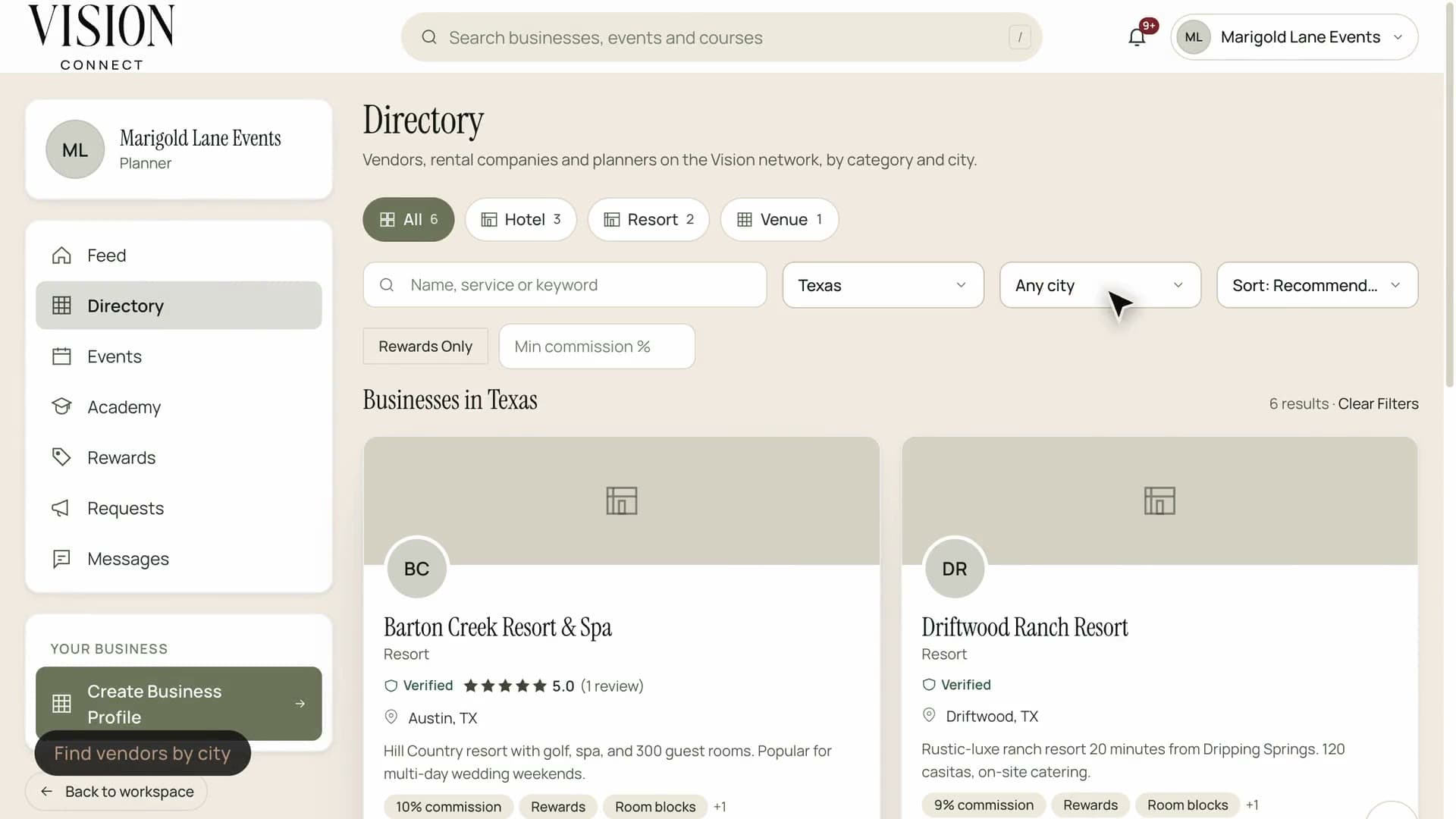
Filter the network by city, open a profile and ask for a quote.
Sourcing a vendor should not mean rebuilding a spreadsheet every time.
Quotes arrive as PDFs, screenshots and voicemails. Comparing them is a weekend of copy and paste.
Keep the people you trust, with their rates, notes, documents and history, all in one searchable place.
Booked vendors drop onto the master timeline with their contact details and arrival windows.
Describe what you need once, choose who to ask and send. Vendors reply through a simple link.
Every quote lines up against the same questions, so the real differences are easy to see.
Mark favorites, add private notes and award the work without losing the other responses.
Collect insurance, licences and certifications up front and see at a glance who is current.

Vendors get a clear brief, a simple way to respond and no software to learn. Better answers come back faster, because the question was good.
Each vendor answers a different question in a different format
Comparison means retyping numbers into a sheet
Decisions are buried in long threads
Insurance documents are chased one by one
Date, guest count, budget range, style and any must haves. Reuse a brief you have written before.
Pick from your own vendor book or invite someone new with a single email.
See every answer in one grid, ask follow up questions and keep the whole thread attached.
Select the winner, notify everyone and carry the details straight into the budget and timeline.
Treat them well and make it easy to work with you.
No. Vendors respond to an RFP from a link. They can create a profile later if they wish to join the wider network.
Yes. Add them one at a time or import them in bulk, and keep your notes and rates with each one.
Yes. Quotes are visible only to the people you choose inside your workspace, never to other vendors.
Awarding an RFP lets you add the vendor to the master timeline with their contact details and arrival window in one step.
The Founding Planner Beta is open. Early access, direct input on what gets built, and pricing locked in before public launch.
Empowering the people behind extraordinary events