










01Design
Three concepts from one brief
Describe the event and Vision asks a question or two, then offers three named concepts with a rationale, quantities and styling.
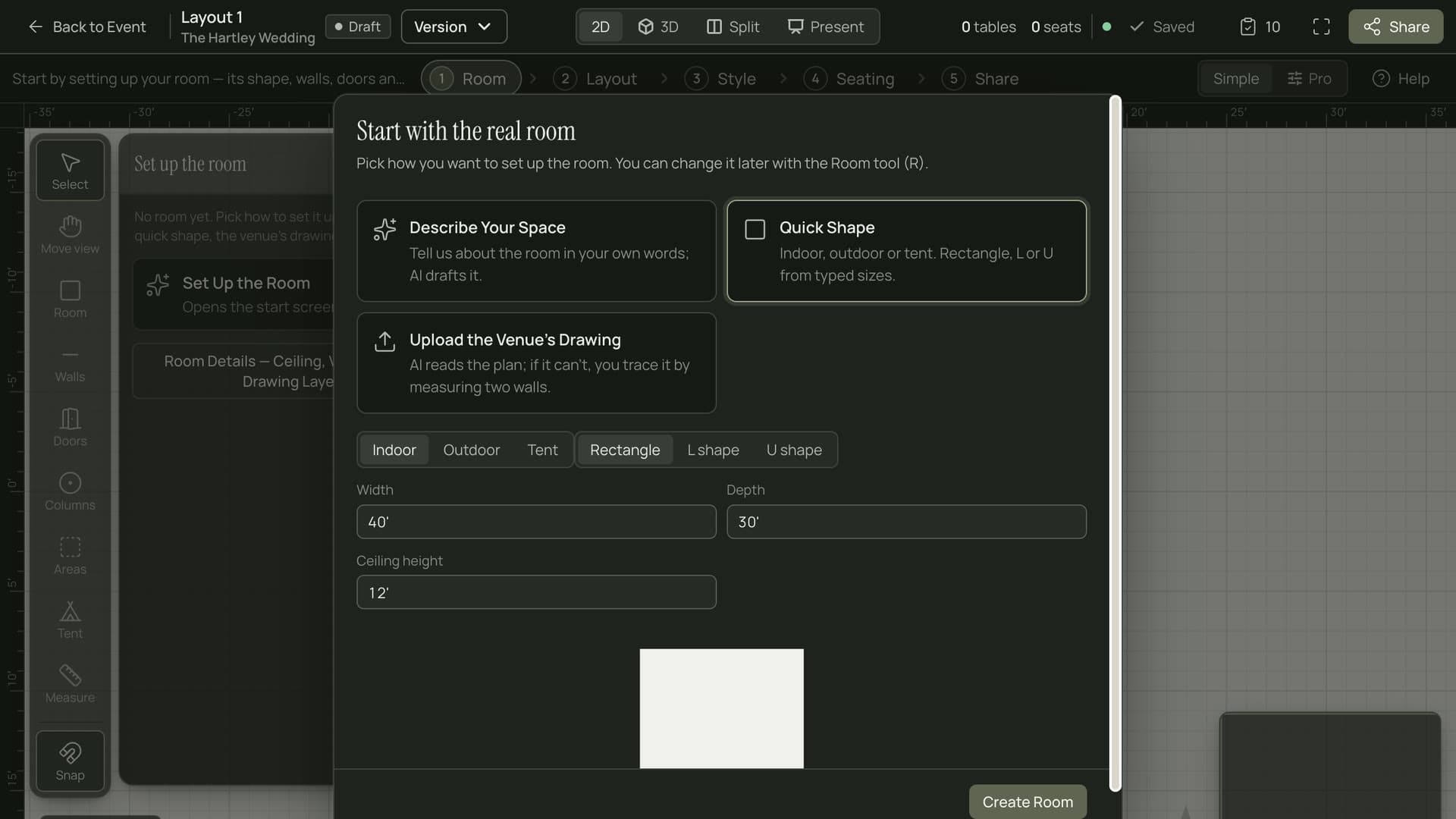
Tell Vision about the event in plain English, or upload the venue's floor plan. You get named layout concepts with a rationale, the quantities you need and the styling to match, ready to refine.
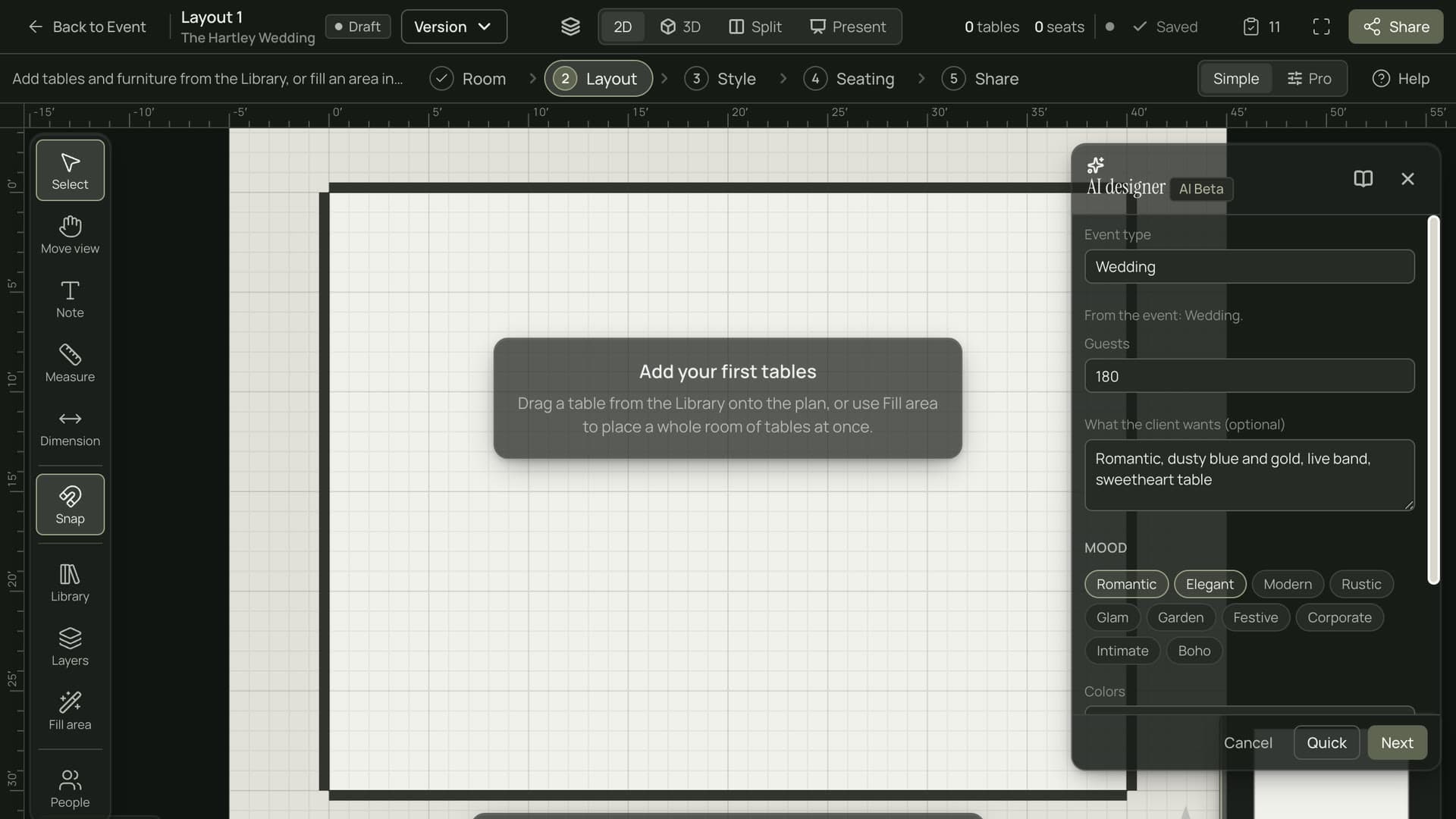
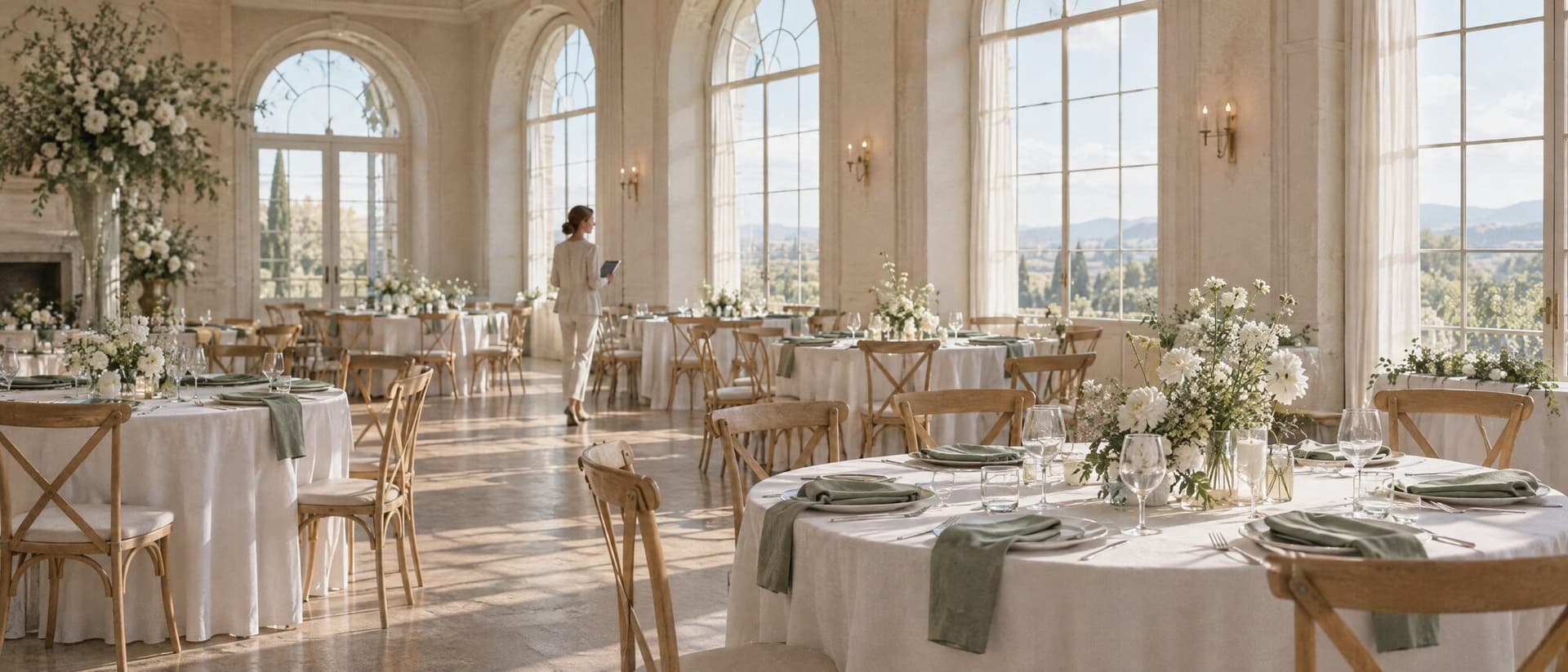
Describe the room and get concepts you can adjust by hand.
A floor plan should not start from an empty rectangle.

Measuring, counting tables and drawing options takes hours before a client sees anything. Vision gets you to the first draft in minutes.
Describe the event and Vision asks a question or two, then offers three named concepts with a rationale, quantities and styling.
Say what to change in plain English, such as a bigger dance floor, and the concept is redrawn.
Describe the space and its walls and Vision drafts the room for you to review before anything is saved.
Upload a JPG, PNG or PDF of the venue plan. Vision reads walls, openings and measurements into a draft you can correct.
Everything comes back as a draft with confidence notes and questions. Nothing is saved until you say so.
Items on the layout with no supplier yet, such as florals, lighting, rentals and catering, become draft RFPs by category.
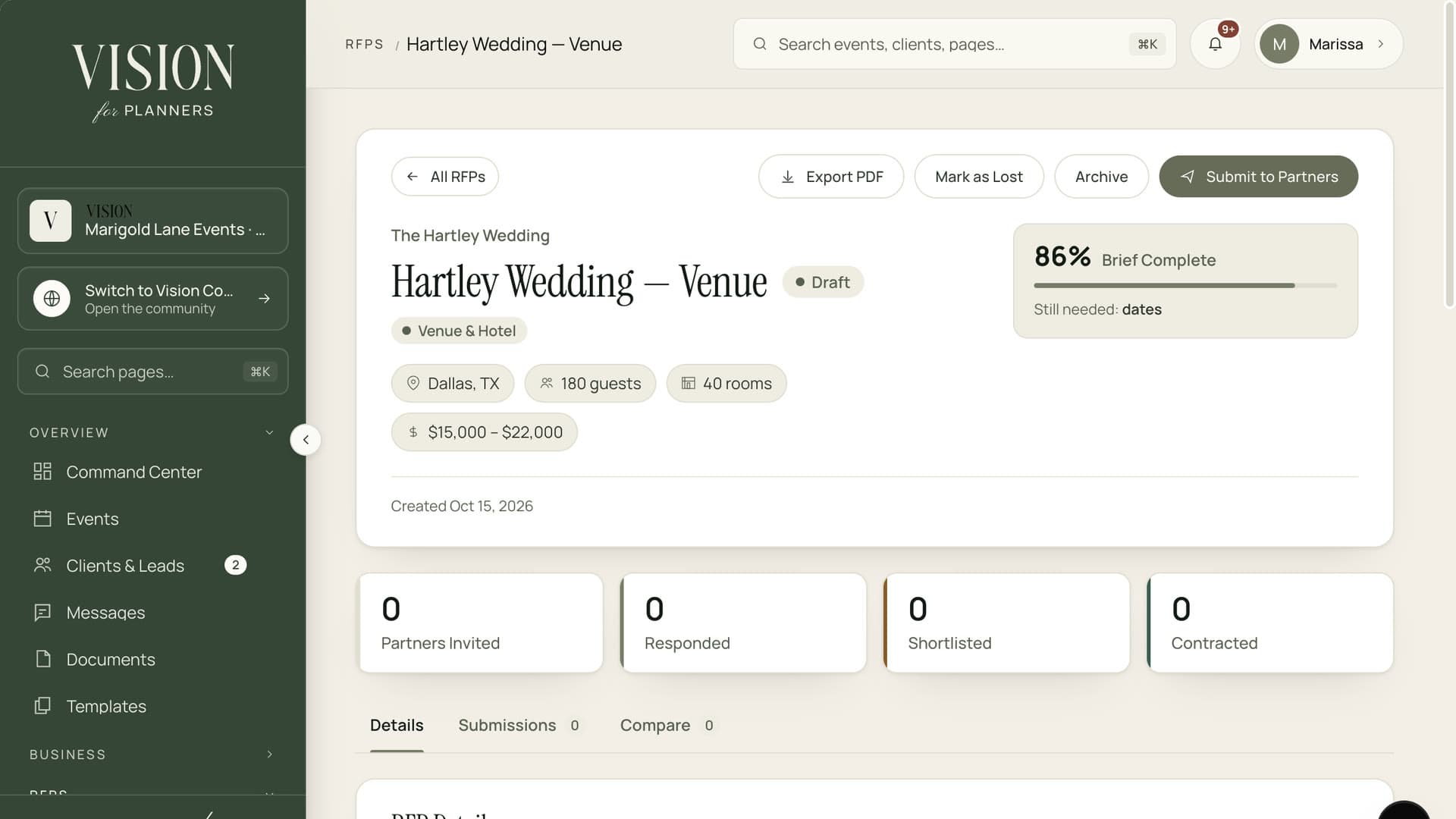
Push the layout's costs to the event budget, draft an invoice and sync set up times to the master timeline.

When Vision reads a floor plan, only the drawing is sent. Guest names, client details and event information are never part of it.
Write a few lines about the event and room, or upload the venue's floor plan.
Review three named options with the thinking behind each, and answer a question or two if asked.
Ask for changes in plain English and see the layout redrawn.
Send the needs to vendors as RFP drafts and carry costs to the budget.
The prompt to layout and floor plan import tools are in beta. They produce drafts for you to review and change.
JPG, PNG and PDF floor plans up to 20 MB. A vector PDF with clear dimensions can often be read without AI.
No. Floor plan reading sees the drawing only, and layout design uses your description of the room and event.
AI steps draw on your plan's allowance. If you discard a draft, that use is returned.

The Founding Planner Beta is open. Early access, direct input on what gets built, and pricing locked in before public launch.
Empowering the people behind extraordinary events